



What if your supply cabinet could order its own refills?
Smart storage already does that for small businesses and busy homes.
It uses sensors to spot changes, local controllers to decide fast, and software to run rules and send alerts.
In plain terms: no more guessing, fewer trips to the store, and less spoiled or missing stuff.
This post walks you through the tech and automation behind it, how the parts talk, what triggers actions, and what that means for your day-to-day routines.
How Smart Storage Systems Operate Internally

Smart storage pulls together sensors that grab real-time data, controllers that process what’s coming in, and software that spots patterns and makes things happen. A sensor picks up when you’ve pulled a container off the shelf. The controller logs it. Software checks your inventory rules. If stock dips below your threshold, you get an alert on your phone. It all runs on its own, usually in seconds. No counting, no second guessing.
Real-time tracking is what makes the whole thing tick. Sensors watch weight, motion, whether a door’s open, temperature, what’s actually there. Something changes? The controller flags it and hands it off to the software. The software looks at your rules (reorder at three units, alert if humidity crosses 60 percent, lock up after hours) and figures out what comes next. Rule gets triggered, system acts. Alert goes out, restocking gets queued, environment adjusts.
You’ve got user commands, automated triggers, and devices talking to each other to keep everything running smooth. Maybe you unlock a cabinet from your phone. Motion sensor inside logs the access. Weight sensor updates the count. The system syncs the new total to your cloud dashboard. No spreadsheet. No clipboard. The whole chain from you opening the door to the digital record updating happens in the background.
How it works in five steps:
- Data capture – Sensors catch a change like weight shifting, door swinging open, RFID tag getting scanned, temperature jumping.
- Signal processing – Controller grabs the signal, timestamps it, checks it against what the device already knows.
- Rule evaluation – Software sees if the new data trips any rules you’ve set (stock’s low, someone’s accessing who shouldn’t, environment’s out of range).
- Action execution – Rule fires, system does what you told it: sends a ping, tweaks HVAC, logs it, kicks off a reorder.
- Data sync and display – Updated counts, access logs, alerts get pushed to the cloud and show up on your dashboard or phone right away.
Core Hardware Components Within Smart Storage Systems
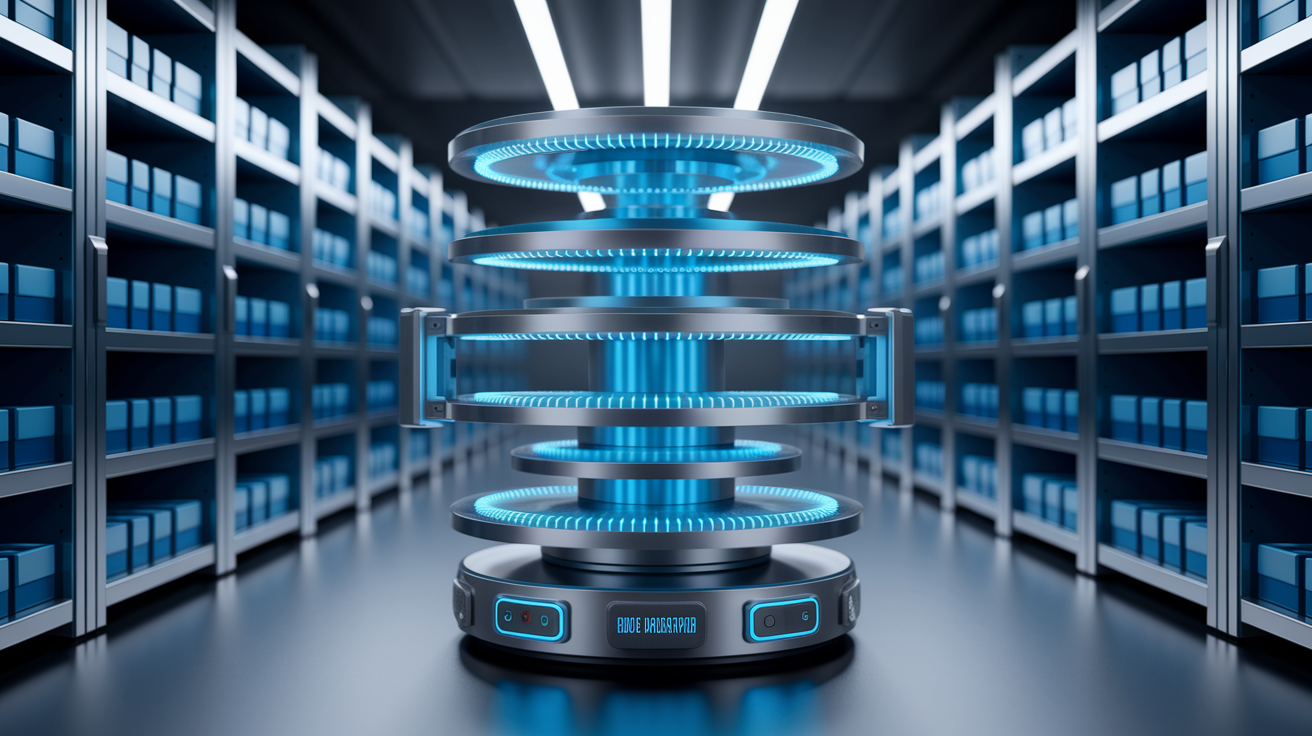
Hardware starts with sensors. Weight sensors (load cells) tell you how much is sitting on a shelf or in a bin. You can count items without scanning barcodes. RFID readers ID tagged stuff as it moves in or out of a zone. Great for tracking expensive inventory or library books. Barcode scanners add manual backup when you need precision. Environmental sensors keep tabs on temperature, humidity, light so your electronics, documents, or perishables don’t get wrecked.
Actuators and locks bring the physical control. Electromagnetic lock keeps a cabinet shut until the app says otherwise. A motorized carousel or vertical lift spins shelves around to bring the right bin to you. Less walking, less hunting. These parts respond to software commands the same way a smart thermostat adjusts on a schedule.
Edge controllers and IoT modules connect everything. The edge controller is a small onboard computer that collects signals from sensors, runs local logic, decides what to send to the cloud. Think of it as the storage unit’s brain. The IoT module (Wi‑Fi chip, Zigbee radio, cellular modem) handles the actual transmission. In a warehouse, one controller might manage a dozen sensor-loaded shelves and report changes every few seconds.
Power varies. Plug-in units pull from the wall and never need a battery change. Battery-powered sensors (common in closets, tool chests, mobile carts) can go for months on coin cells or rechargeable packs, especially with low-energy protocols like Bluetooth. Some systems offer hybrid setups with battery backup so logging keeps going even if power blinks out.
Hardware you’ll see:
- Weight sensors – Measure load, figure out item count or catch removals.
- RFID/NFC readers – Track tagged items without you doing anything.
- Environmental sensors – Watch temperature, humidity, light.
- Motion and door sensors – Spot access, log activity.
- Electromagnetic locks and actuators – Control who gets in, automate retrieval.
- Edge controllers and IoT modules – Process sensor data locally, send updates to the cloud.
Software, Data Processing, and Control Logic

Software handles three main things: keeping a solid database of what you’ve got, enforcing the rules you set, and showing you that info in a way that actually makes sense. Sensor reports a weight drop. Software calculates how many units got pulled (based on what each one weighs), updates the count, checks if you’ve hit a reorder threshold, posts the transaction to your dashboard. Happens in milliseconds. You don’t touch anything.
Control logic is where it gets useful. You set rules like “ping me when printer paper falls below five reams” or “lock the med cabinet every night at 10 p.m.” Software watches sensor data, compares it to those conditions. Match happens, it does what you programmed (sends a text, triggers a lock, generates a purchase order, flashes an LED). More advanced platforms let you chain rules so one event kicks off a whole sequence: item removed, log it, update ERP, check stock, email a reorder if needed.
A lot of newer systems layer machine learning on top. Instead of you manually setting every threshold, the software studies usage patterns over weeks or months and suggests optimal reorder points, predicts when seasonal demand will spike, flags weird access behavior that might mean theft or a glitch. The smarts grow as data piles up. Your storage gets better over time without you constantly tweaking settings.
Role of Predictive Analytics
Predictive analytics flips historical data into forward-looking tips. System sees you burn through 20 boxes of gloves every February and March (spring cleaning rush, maybe). It’ll flag mid-January as reorder time, even if current stock looks fine. For a business, that means fewer stockouts and less cash sitting in excess inventory.
Same thing for maintenance and environmental stuff. Temperature logs show the cooling in a storage unit struggles every summer afternoon. Software can tweak setpoints ahead of time or alert you to check HVAC before sensitive stock spoils. Predictive models work best when the system’s been running long enough to know your baselines. Usually takes a few months of steady operation. Early data helps it learn your real patterns instead of guessing.
Automation Features and Intelligent Workflows
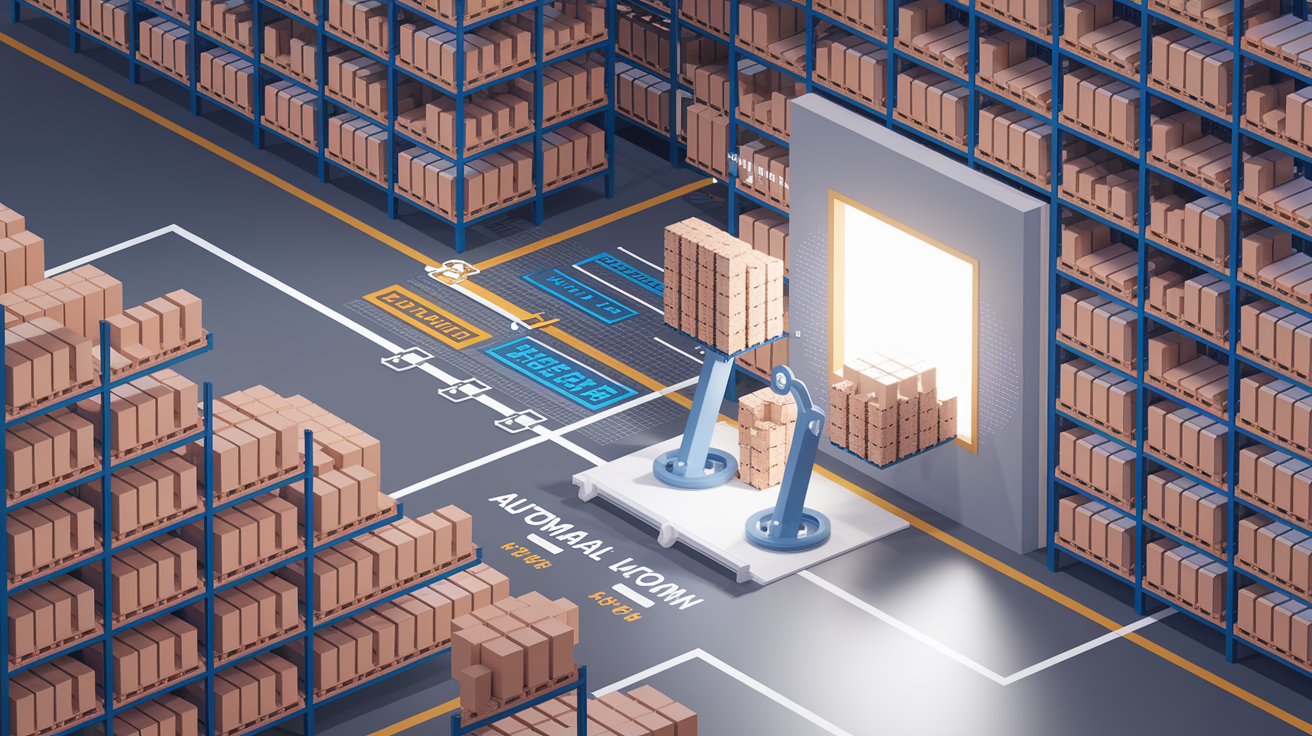
Automation knocks out the repetitive stuff that used to eat time and cause mistakes. Automated retrieval is common in vertical lifts and carousels: scan a barcode or tap the app, machine rotates the right shelf to the pick window. No walking aisles, no squinting at labels, no grabbing the wrong bin. Inventory updates happen automatically every time a sensor catches a change. Your counts stay accurate without end-of-day manual scans.
Access control automation ties into schedules and who’s allowed in. Small business might set the system to unlock supply cabinets only during business hours and only for employees with the right app credentials. Someone tries to open the cabinet on a Sunday or after 6 p.m.? Lock stays shut, system logs the attempt. Environmental automation adjusts conditions based on readings (humidity climbs above 55 percent in a document unit, connected dehumidifier kicks on) or time of day (drop temperature overnight to save energy, bump it up an hour before the team shows up).
Functions you’ll automate:
- Auto-sorting and retrieval – System picks and presents the right item or bin based on a pick list or barcode.
- Real-time inventory updates – Sensor-driven counts replace manual cycle counting, kill data-entry lag.
- Threshold alerts – Automatic pings when stock, temp, humidity, or access crosses limits you’ve set.
- Scheduled access control – Locks and unlocks doors or cabinets based on time, user role, or external triggers (like shift-start from workforce software).
- Replenishment workflows – System generates purchase orders, emails suppliers, flags items for restocking when quantities drop below reorder points.
Connectivity and IoT Integration

Smart storage leans on wireless networking to tie sensors, controllers, cloud platforms, and your devices into one system. Wi‑Fi is the heavy lifter for units that need constant cloud sync and remote access. Smart safe in a retail back office connects to the store’s Wi‑Fi so managers can check access logs and arm or disarm the unit from anywhere. Wi‑Fi’s got high bandwidth and long range, but it pulls more power than other options. Usually reserved for mains-powered devices.
Bluetooth Low Energy (BLE) and Zigbee work great in battery-operated sensors and short-range clusters. Smart pantry shelf might use BLE to talk to a nearby hub (your phone or a dedicated bridge), reporting weight changes without killing a coin-cell battery for months. Zigbee creates mesh networks where each device repeats signals to neighbors, stretching range across a warehouse floor without new cables. Both sacrifice bandwidth for energy efficiency. Fine when you’re only sending small packets like “door opened” or “weight: 4.2 kg.”
Cloud connectivity enables remote monitoring, cross-platform integration, data backup. Your smart storage controller pushes updates to a cloud service, you view inventory and alerts from a phone app, web dashboard, or even a voice assistant (“Alexa, how many AA batteries are left?”). Cloud platforms also let the system play nice with other business tools like ERP software, accounting systems, facilities dashboards. Inventory changes in the storage unit automatically update your larger operational picture.
| Connectivity Type | Primary Use Case |
|---|---|
| Wi‑Fi | Cloud sync, remote access, high-bandwidth data transfer for cameras and dashboards |
| Bluetooth Low Energy | Short-range, battery-powered sensors talking with nearby hubs or phones |
| Zigbee / Z‑Wave | Mesh networks for big installations, low-power sensor clusters across multiple rooms or zones |
| Cellular (LTE / 5G) | Standalone units in locations without Wi‑Fi, mobile storage containers, remote sites |
User Interfaces and Control Methods
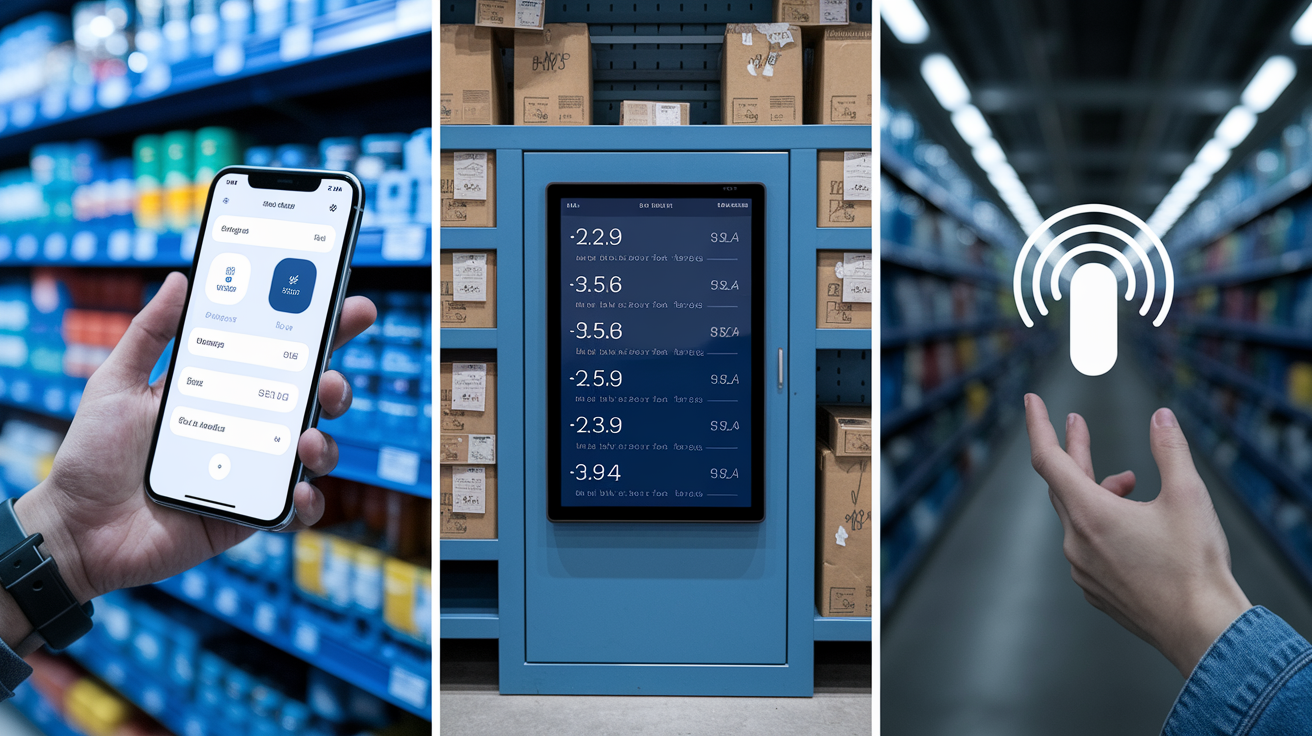
Mobile apps are the go-to interface. You open it, see a live inventory list, tap a cabinet to unlock remotely, set a new alert threshold for restocking. Good apps show real-time status (locked or unlocked, current counts, last access time) and let you tweak settings without menu diving. Best ones surface useful summaries: items running low, recent access, environmental alerts that need attention.
Touchscreen panels and web dashboards fit stationary setups where multiple people need in. Shared office supply cabinet might have a small touchscreen on the door so employees can request items, log what they take, check stock without pulling out a phone. Web dashboards give managers a bigger view with charts showing usage trends over weeks, user activity logs, bulk config options for managing dozens of units across locations.
Voice assistant integration adds hands-free convenience for quick checks. You’re in the middle of packing a shipment, hands full, you ask your smart speaker, “How many medium boxes are left in the garage unit?” and get an instant answer. Works through the cloud: voice assistant queries the storage platform’s API, grabs the current count, reads it back. Won’t replace a full dashboard for serious inventory work, but it’s handy for those small, frequent questions that used to mean stopping and walking over to look.
Practical Applications in Homes and Businesses
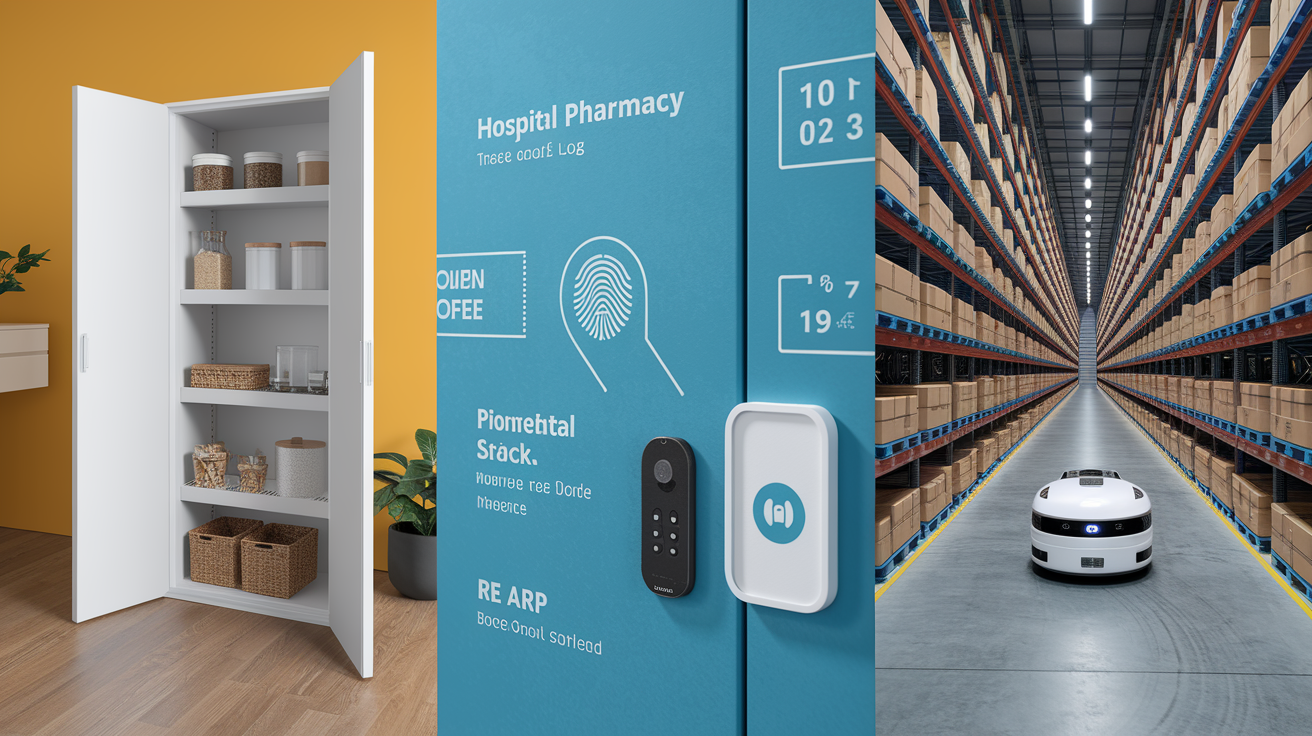
At home, smart storage tackles everyday clutter and helps families stay organized without constant manual tracking. Smart pantry system uses weight sensors on each shelf to watch staples like rice, pasta, coffee, canned goods. Coffee drops to half a bag, system adds it to a shared shopping list in your household app. Smart garage cabinet tracks tools, batteries, seasonal stuff (holiday decorations, camping gear). You know exactly where the tent is in May and whether you need new D batteries before the next power outage. Closets with automated carousels and inventory tracking help you rotate seasonal clothes and keep track of what you actually own. Cuts down on buying duplicates and “I forgot I had that” moments.
Businesses lean on smart storage to cut labor costs, prevent stockouts, stay compliant. Hospital pharmacy runs smart cabinets with biometric locks and automatic logging: every medication removal gets timestamped and tied to a specific nurse’s fingerprint. Creates an audit trail for regulatory inspections, reduces theft or dosing errors. Retail stockrooms use RFID shelves to track high-value items like electronics or designer clothing, sending alerts when something leaves the back room without a sale transaction. Manufacturing floors rely on smart parts bins with LED pick-to-light guidance and real-time inventory sync to ERP. Kitting operators grab the exact component for each assembly, system automatically posts material usage without manual scanning.
Warehouses and distribution centers scale smart storage to thousands of SKUs across huge floor space. Automated retrieval systems (vertical lifts, horizontal carousels, robotic shuttles) bring items to the picker instead of sending workers up and down aisles. Weight sensors and barcode verification at every transaction point keep pick accuracy above 99 percent, cutting costly returns and rework. Environmental monitoring protects temp-sensitive goods in cold storage or humidity-controlled zones with automatic alerts and corrective actions if conditions drift. The bigger the operation, the more critical automation and real-time data become. Manual tracking just can’t keep pace with the transaction volume or deliver the accuracy modern supply chains demand.
Final Words
Sensors collect data, controllers make decisions, and apps let you check and control things from anywhere. The post walked through the hardware, software, automation flows, and connectivity that make this possible.
You saw how real-time tracking, environmental sensing, rule-based alerts, and predictive analytics combine with simple user interfaces to automate common tasks in homes and businesses.
If you’re wondering how do smart storage systems work, they join those parts to cut searching, reduce spoilage, and free up space. One small setup at a time, it makes storage easier and less stressful.
FAQ
Q: Can I sleep in my storage unit during the day?
A: Sleeping in a storage unit during the day is generally not allowed and unsafe; units lack ventilation, restrooms, and legal habitability, and most facilities or local rules forbid using them as living space.
Q: How much do you pay monthly for storage?
A: Monthly storage costs usually range from about $40 to $200 or more, depending on unit size, location, climate control, and demand; urban areas and climate-controlled units cost the most.
Q: What items are best for smart storage?
A: Items best for smart storage are high-value, frequently used, or temperature-sensitive things like tools, holiday decor, small parts, meds, or pantry staples, so you can track, get alerts, and reduce spoilage.
Q: What are the 4 types of storage devices?
A: The four main types of storage devices are magnetic drives (HDDs), solid-state/flash drives (SSDs), optical media (CDs/DVDs), and cloud or networked storage for remote access and backups.